- Support Home
- Knowledge Base
- Integrations
- Anonymise Subscribers Integration
Anonymise Subscribers Integration
What is the Anonymise Subscribers integration?
The Anonymise Subscribers integration is a scheduled automation that enables you to anonymise selected subscriber profiles from your database. This helps ensure your data remains relevant, compliant, and focused on active or marketable contacts.
The integration works by targeting subscribers who belong to a specific audience for a defined period and haven't received any activity (e.g., emails or SMS) for a set number of days. When these conditions are met, the integration anonymises those profiles according to your configuration.
Key Features
- Scheduled automation: Run this integration on your preferred schedule — hourly, daily, weekly, monthly, or yearly.
- Audience-based targeting: Choose which subscribers to anonymise using audiences. Learn how to build audiences → https://support.taguchi.com.au/knowledge-base/target-expressions/audiences.html.
- Flexible conditions: Set the required:
- Number of days in the audience before anonymisation.
- Number of days since last activity sent to the subscriber.
- Subscription management options: This integration allows users to anonymise subscribers who are currently subscribed to lists in Taguchi. Users can also decide if they want profiles anonymised to be unsubscribed from one or more lists and tag the unsubscribe event with a source for historical record keeping.
- Status notifications: Configure Send status notifications to, select a notification list for run updates, then choose whether to notify on every run or only when the integration fails.
How to Set Up the Anonymise Subscribers Integration
Go to the Integrations section in your Settings.
Click Add New Integration.

For Integration Type, select "Scheduled: Anonymise Subscribers".
In the Configuration panel:
- Enter the Audience ID for the target group.
- Define the minimum number of days a subscriber must have been in the audience.
- Define the number of days since last activity sent to the subscriber.
OPTIONAL: Select list management options to target profiles subscribed to lists and/or designate lists to unsubscribe profiles from and define a source for the unsubscription.
Click Activate to enable the integration.

Results
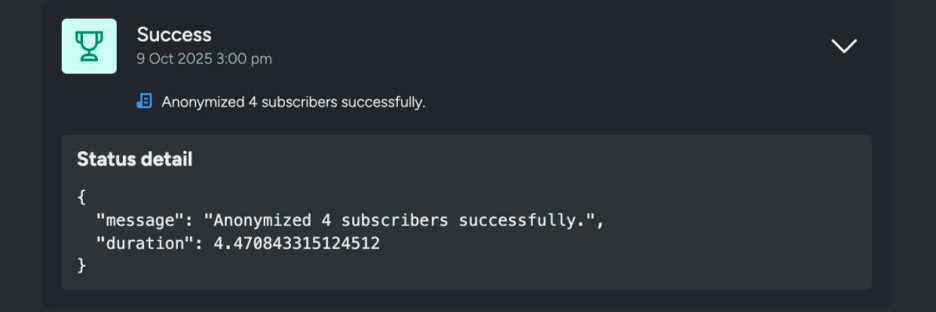
After the integration has successfully run, the results will be available under integration status.

If the integration is configured to unsubscribe profiles from lists, an entry will be left on the anonymised profile's under interaction history.

Why Use This Integration?
Setting up this integration helps you:
✅ Mitigate compliance risk by avoiding contact with ineligible or outdated profiles.
🎯 Refine your database to focus only on active and marketable subscribers.
🔄 Automate data hygiene, ensuring ongoing database audits without manual work.
Viewing Integration Schedules and Next Run Details
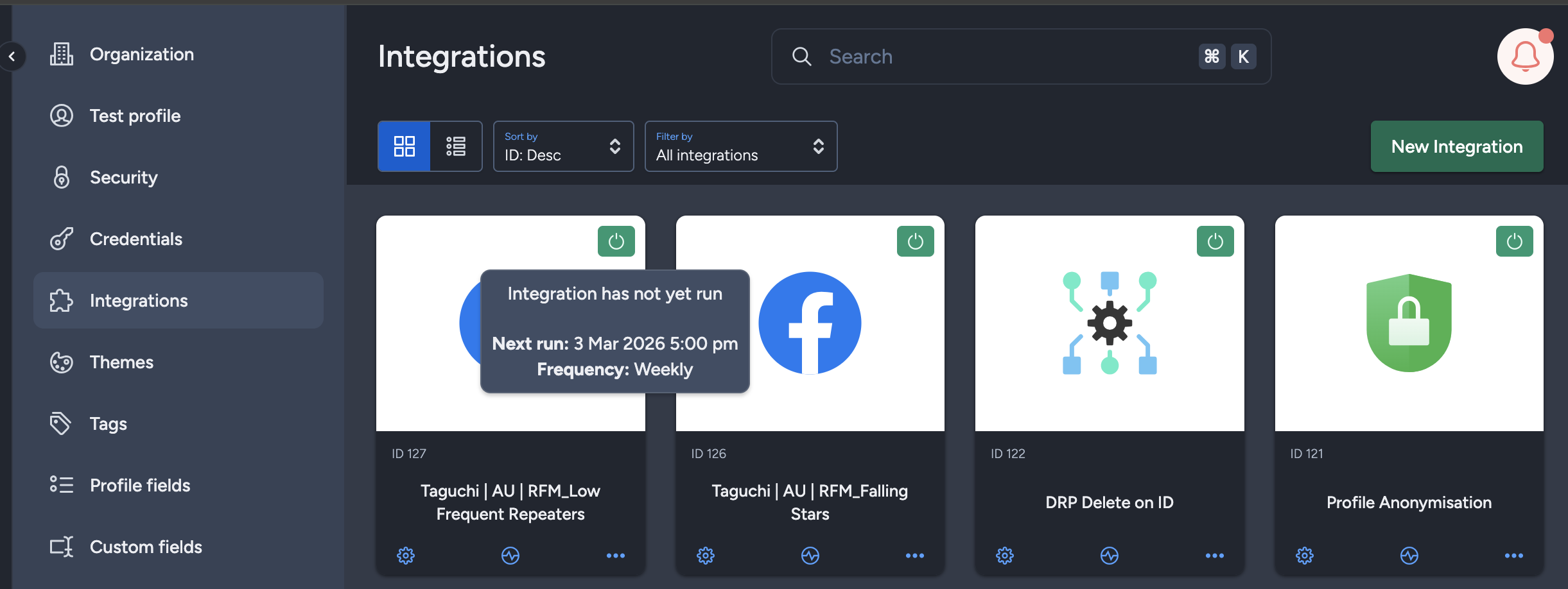
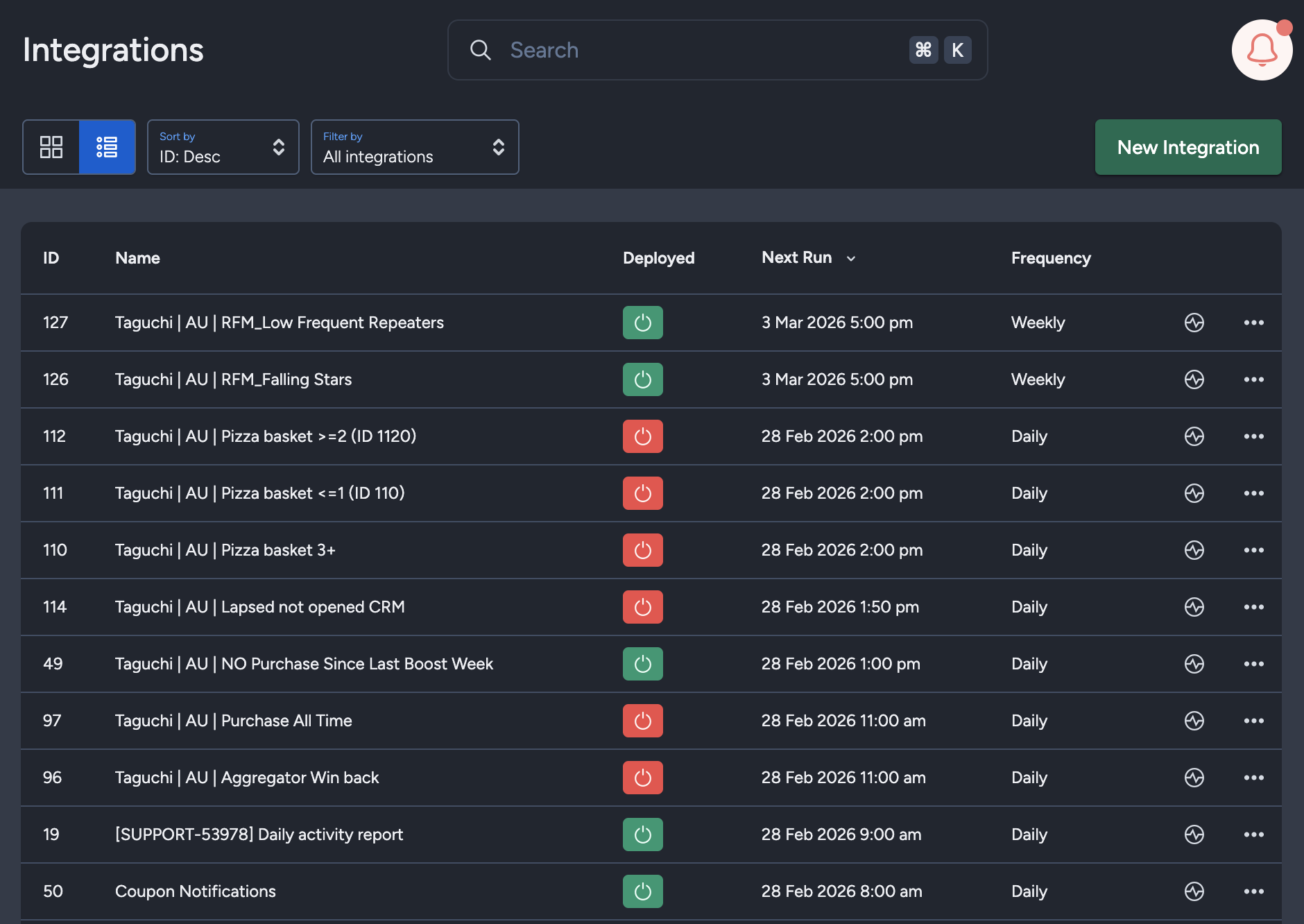
The Integration UI provides visibility into integration schedules by displaying the scheduled frequency and the time of the next run when hovering over the status icon. Adding to that, the integration UI supports list view with sortable columns so you can see the next run timestamp and frequency there too.. This helps users quickly check when integrations are scheduled to execute and manage them more efficiently.
Notes
- Bulk anonymisation cannot be reversed.
- Status notifications can be set up for reporting on this integration, either on every run or only when failures occur.
- Make sure your audience logic is tested before applying the integration.
- This integration will only anonymise a maximum of 500k per scheduled run. This is to maximise processing power and efficiency.
- Taguchi retains back-ups up to 15 days if records need to be reinstated.
- Anonymised profiles can be re-established in Taguchi if re-uploaded/re-added to the database with an identifiable email/phone value. E.g. The anonymised profile subscribes to marketing in the future.
For further assistance, please contact Taguchi Support.